Video & Editing
My Atomos Ninja V Recording Setup

Updated: Jul 13, 2020
Hi All, I got lots of questions on how I recorded the camera LCD screen. My simple answer is that I use Atomos Ninja v to record my BTS video. I am going to use this blog post to list out the accessories that I bought related to the Atomos Ninja V recording.
Here is my List of Atomos Ninja V Accessories:
- Sony/Fujifilm Cables: (Fujifilm X-Series / Sony A7 series use Micro HDMI to Full HDMI)
- Canon Cables: (Canon EOS R uses Mini HDMI to Full HDMI)
- SSD card: Sony 2TB SSD
- Extra Battery: Atomos Batteries
- Hot Shoe Mount: Manfrotto 492 LCD Micro Ball Head with Shoe Mount
Below is my video of using the Atomos Ninja v to capture the BTS on the LCD screen in the back.
I also created a video on how I set up my Atomos Ninja V:
Support
Enjoyed this post?
Every review means renting or buying gear, booking models, and scouting locations. If this helped you make a gear decision, a coffee goes straight toward the next one.
Related Posts
Video & Editing
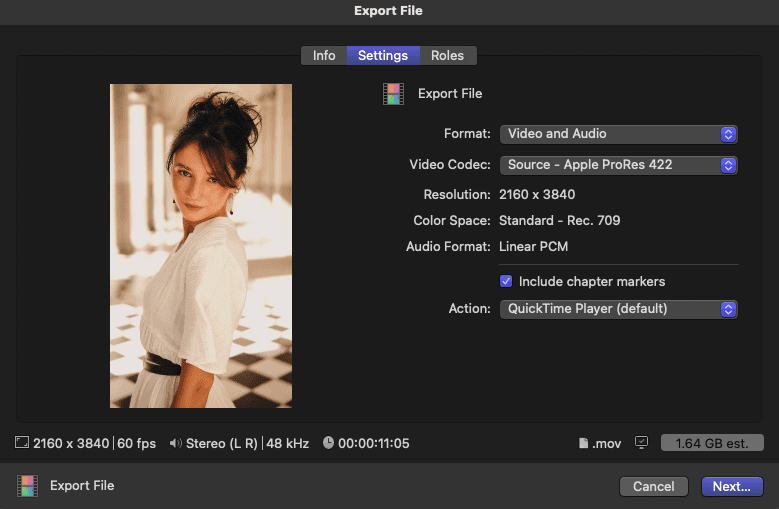
How to Edit and Export HD Footage of a Vertical Instagram Reel Video Through Final Cut Pro X
In the ever-evolving world of social media, creating eye-catching and high-quality content is essential to capture your audience's attention.

Video & Editing
Here Are the Settings for YouTube Live Stream in HD with OBS Software
Hello everyone :) I just started my YouTube live stream yesterday in my Channel Caliallstaring using OBS Software (Open Broadcaster Software).
Canon
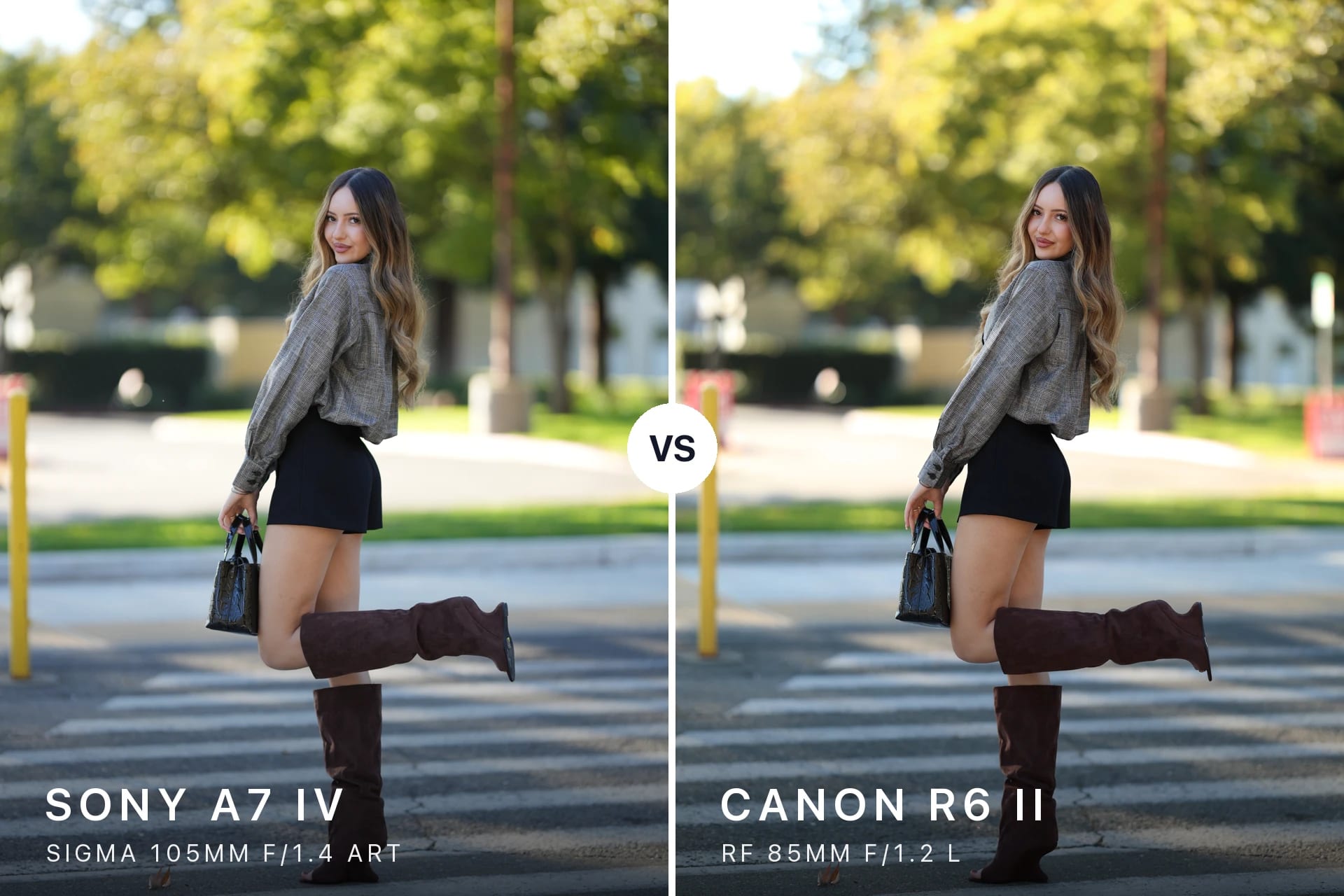
Canon RF 85mm f/1.2 L vs Sigma 105mm f/1.4 Art (R6 II vs A7 IV): Portrait Blind Test with Andrea
85mm vs 105mm for portraits: Canon R6 II + RF 85mm f/1.2 L vs Sony A7 IV + Sigma 105mm f/1.4 Art, side by side at 5900K. A blind test with Andrea.
Newsletter
Stay in the loop
Explore
From the Gallery