Camera Settings
Lumix S5II + Sigma 135mm F1.4: My Camera Settings for Portraits
I've already written about how the Sigma 135mm F1.4 DG Art performs on the Lumix S5II — the short version is that it's one of the sharpest, creamiest portrait lenses I've shot with. This post is the settings walkthrough I wish I'd had before that first session: the exact menu setup I run on the S5II body itself, so you can copy it directly if you're picking up this combo.
Gear:
My Settings
Image quality:
- White Balance: fixed 6000K (not Auto — keeps every frame color-matched across a session)
- Photo Style: Standard, sharpness/noise reduction/saturation/contrast all at +0
- Aspect Ratio 3:2, Picture Quality Fine, Picture Size L (24M)
- High Resolution Mode: On · Dual Native ISO: Auto · Metering: standard multi-pattern
ISO and corrections:
- Base ISO 100, Minimum Shutter Speed Auto
- i.Dynamic Range: Off (I'd rather control contrast myself in editing)
- Vignetting Compensation: On (corrects the 135mm's natural corner falloff wide open)
- Color Shading Compensation & Diffraction Compensation: Off
Autofocus:
- AF Mode: 1-Area (AF Detection), subject detection Human: Eye/Face/Body
- Photo focus menu: AF Detection On, AF Custom Setting Set 1, Focus Limiter Off, AF Assist Light On, Focus Peaking On, 1-Area AF Moving Speed Fast
- Video focus menu: same as above, plus Continuous AF On and AF Custom Setting Mode 1
Video format:
- MOV, Full sensor area, FHD 60p, 4:2:0 10-bit (Long GOP)
A couple of these are worth a quick why: Focus Limiter stays off because I want the full focus range available on a 135mm rather than a restricted one, in case a subject moves closer or farther than expected mid-session. And Continuous AF for video is what keeps focus tracking through a take instead of locking once — useful for any B-roll shot during the same session.
This Settings Setup in Action
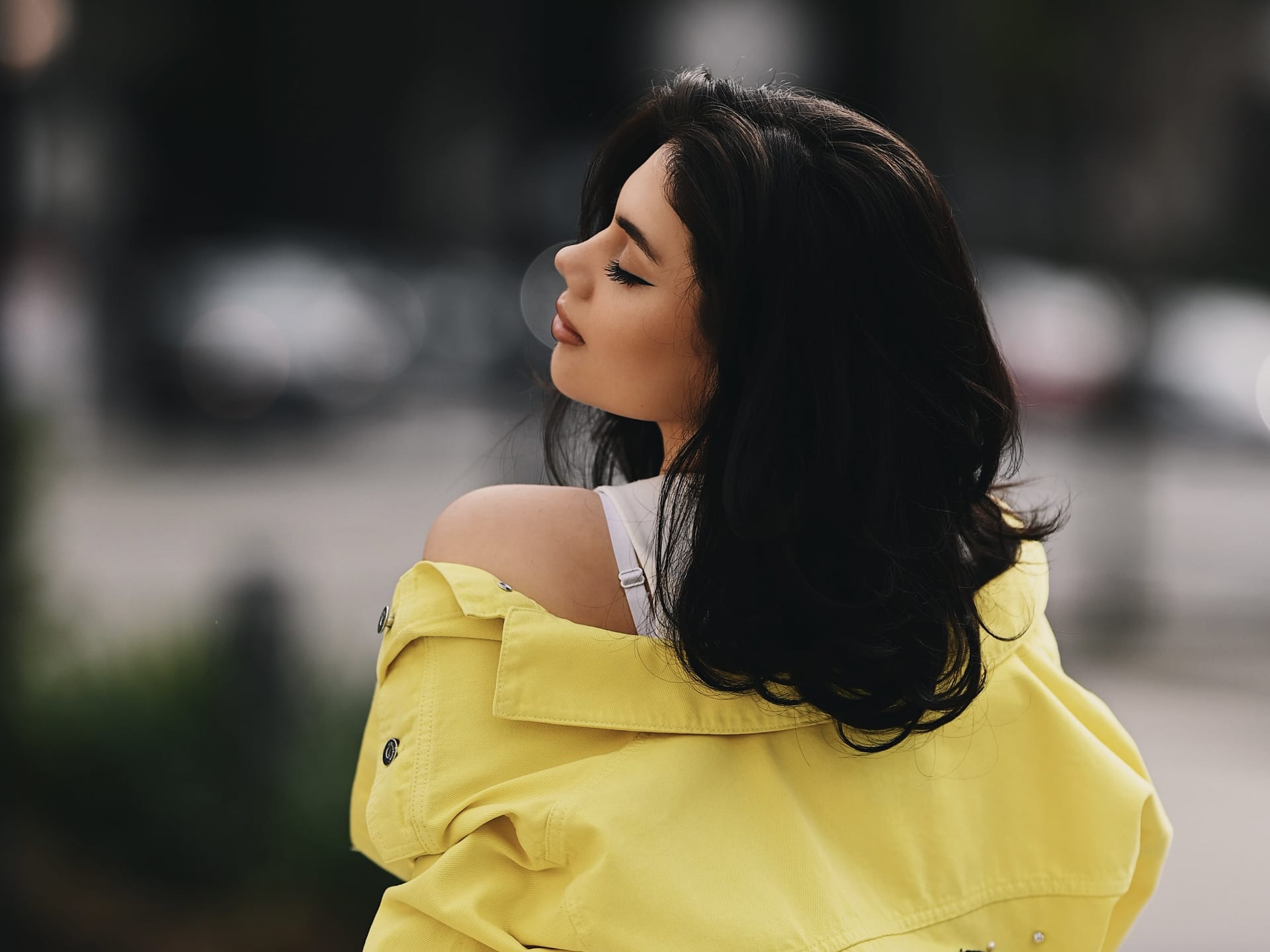
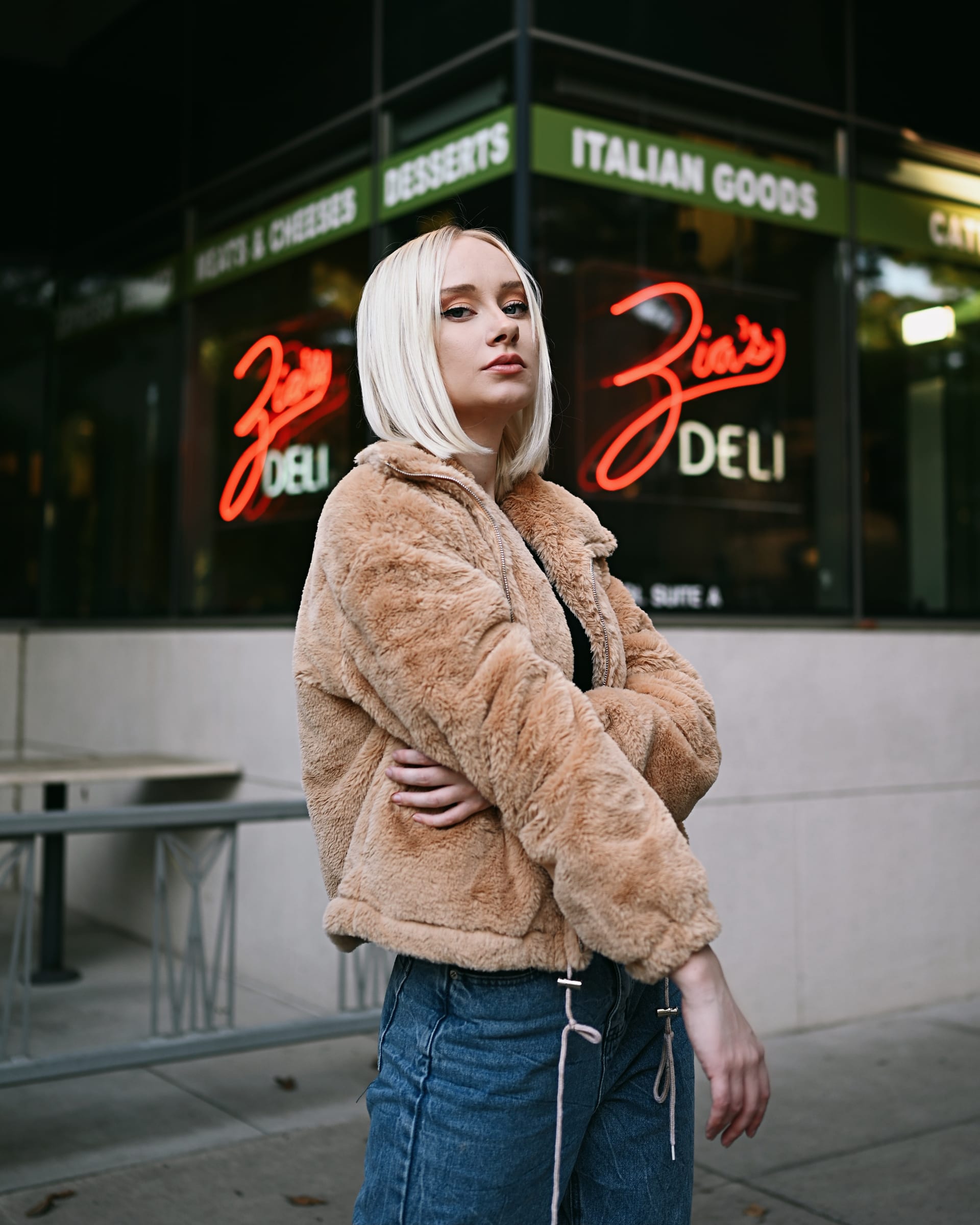
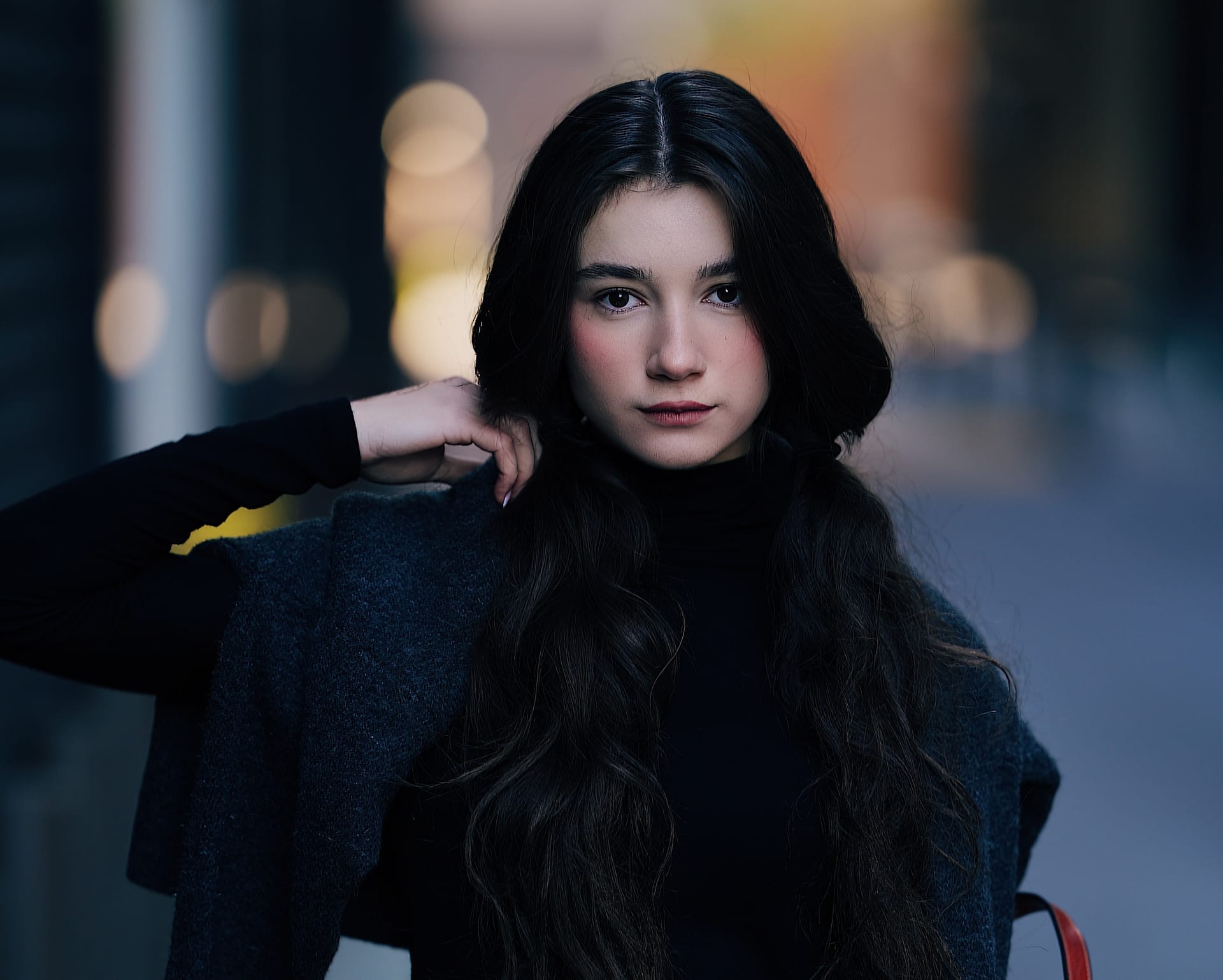
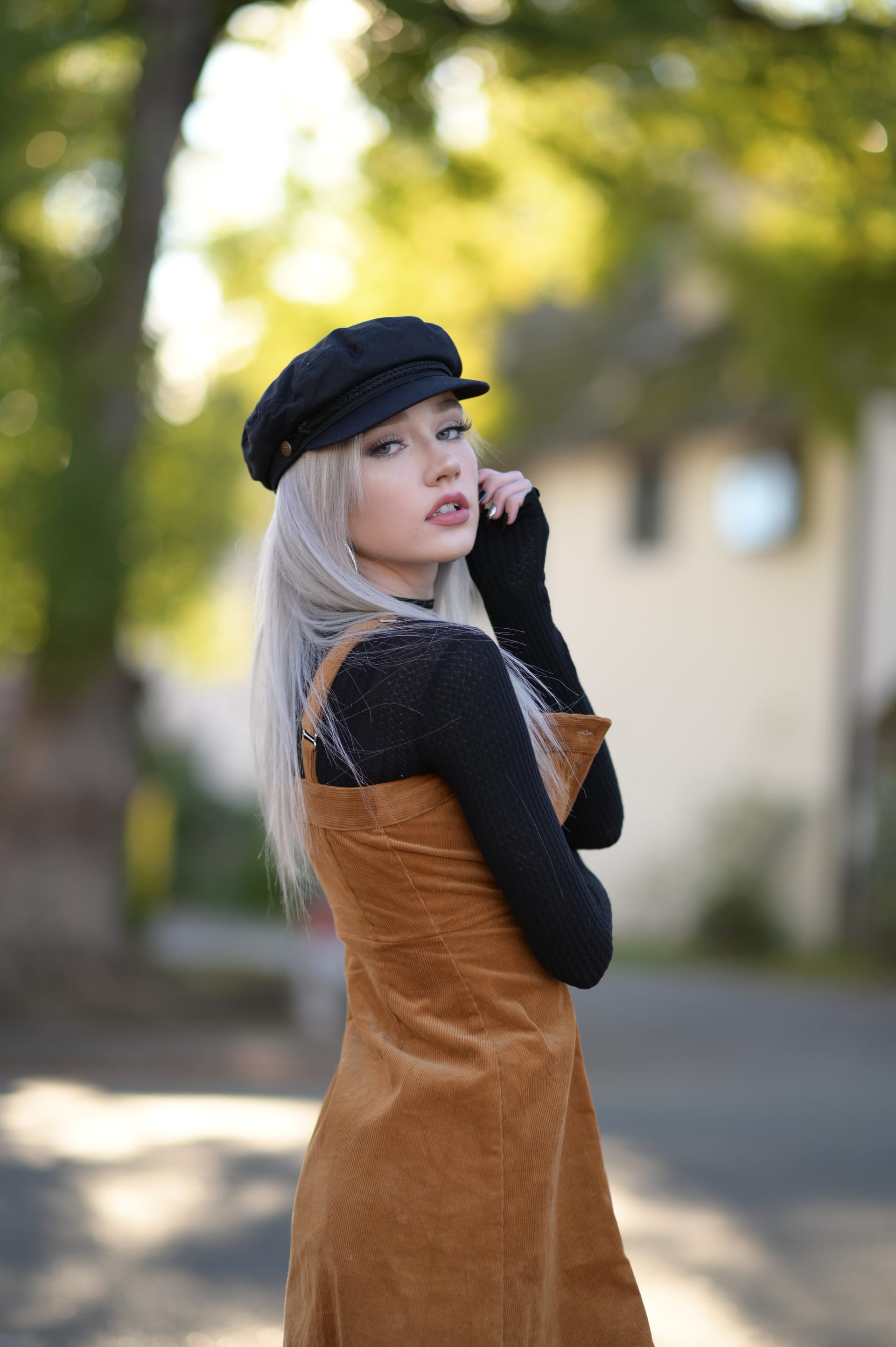
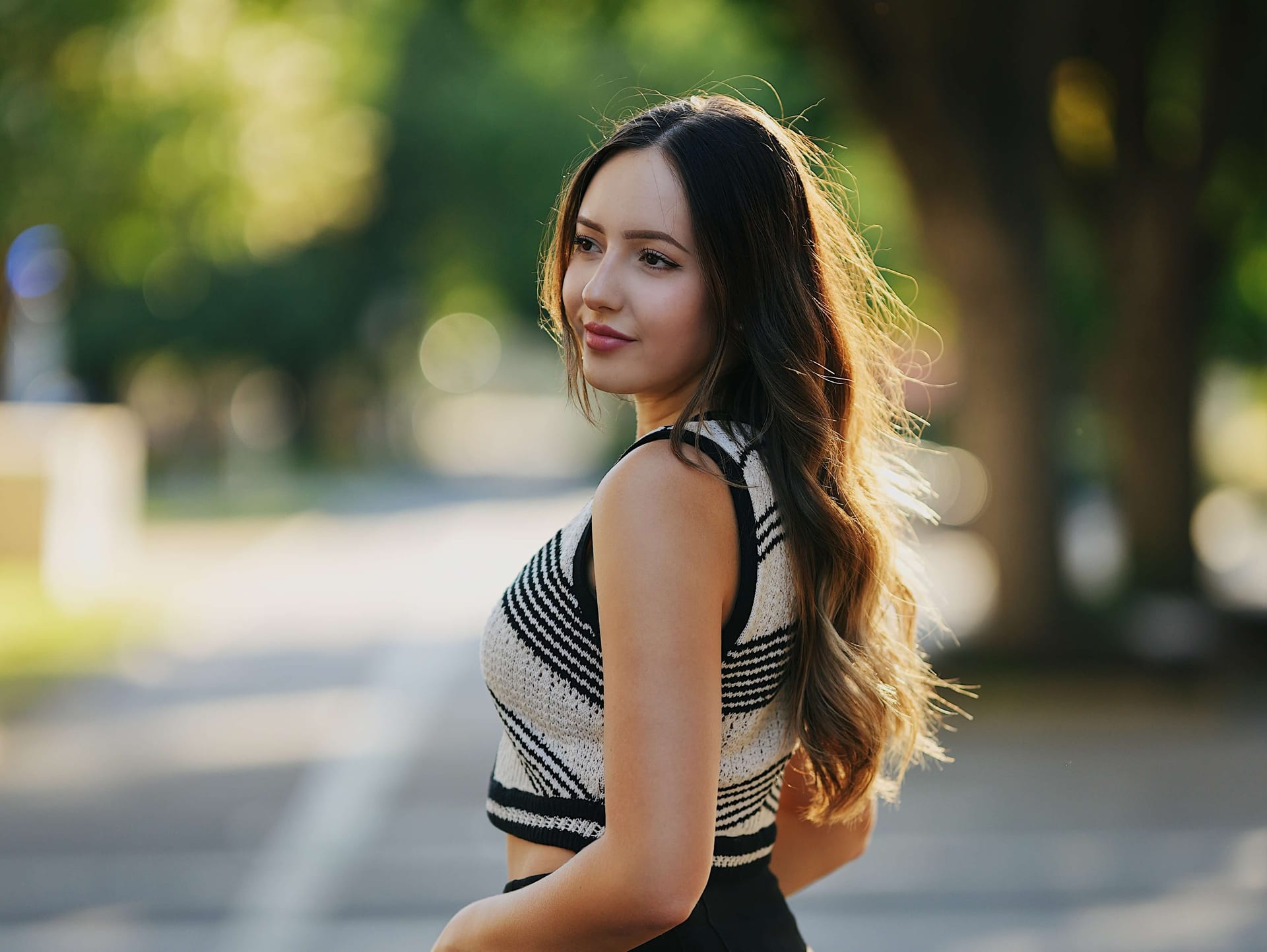
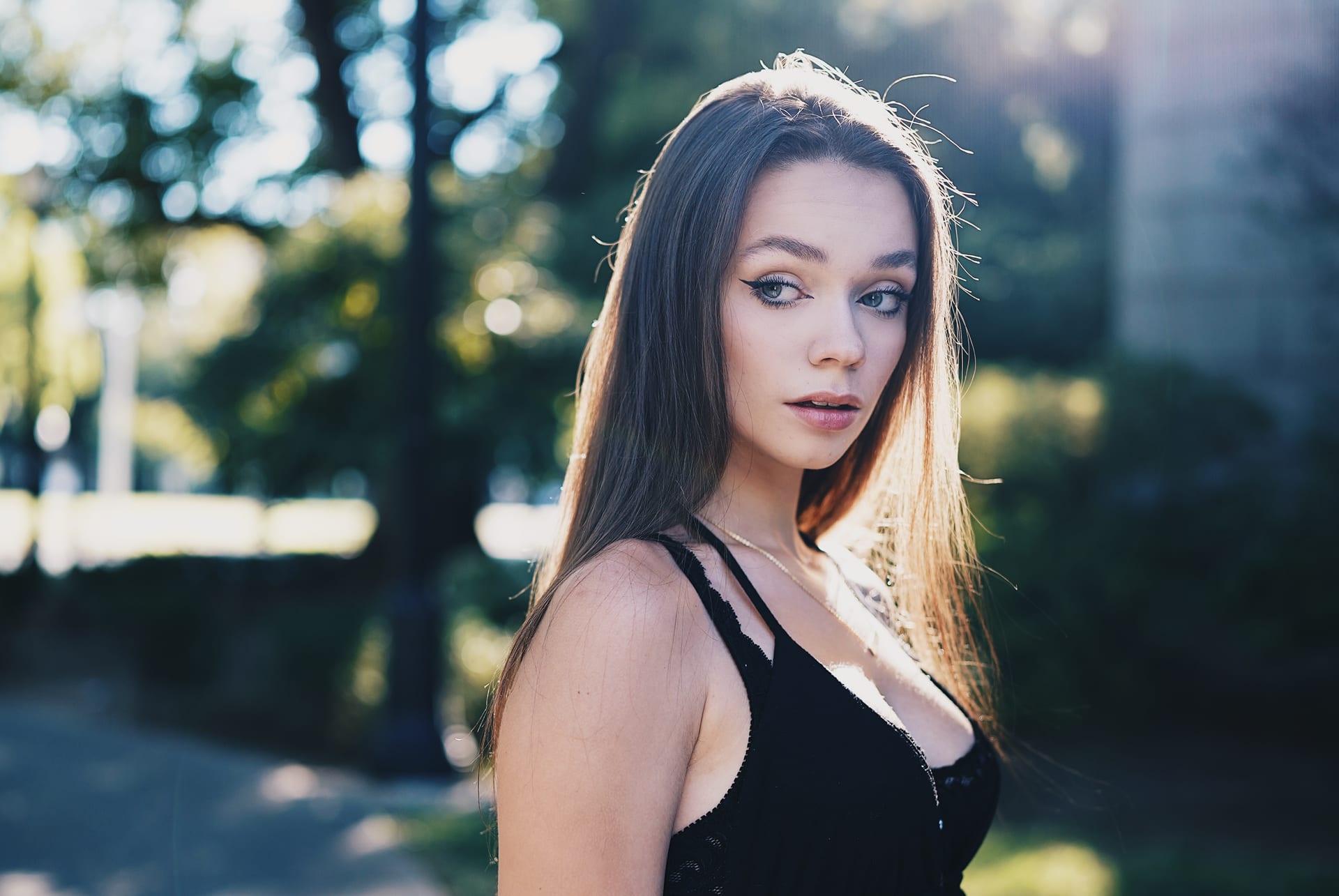
With the menu dialed in above, here are three sessions shot with this exact configuration — three very different looks, same settings underneath.
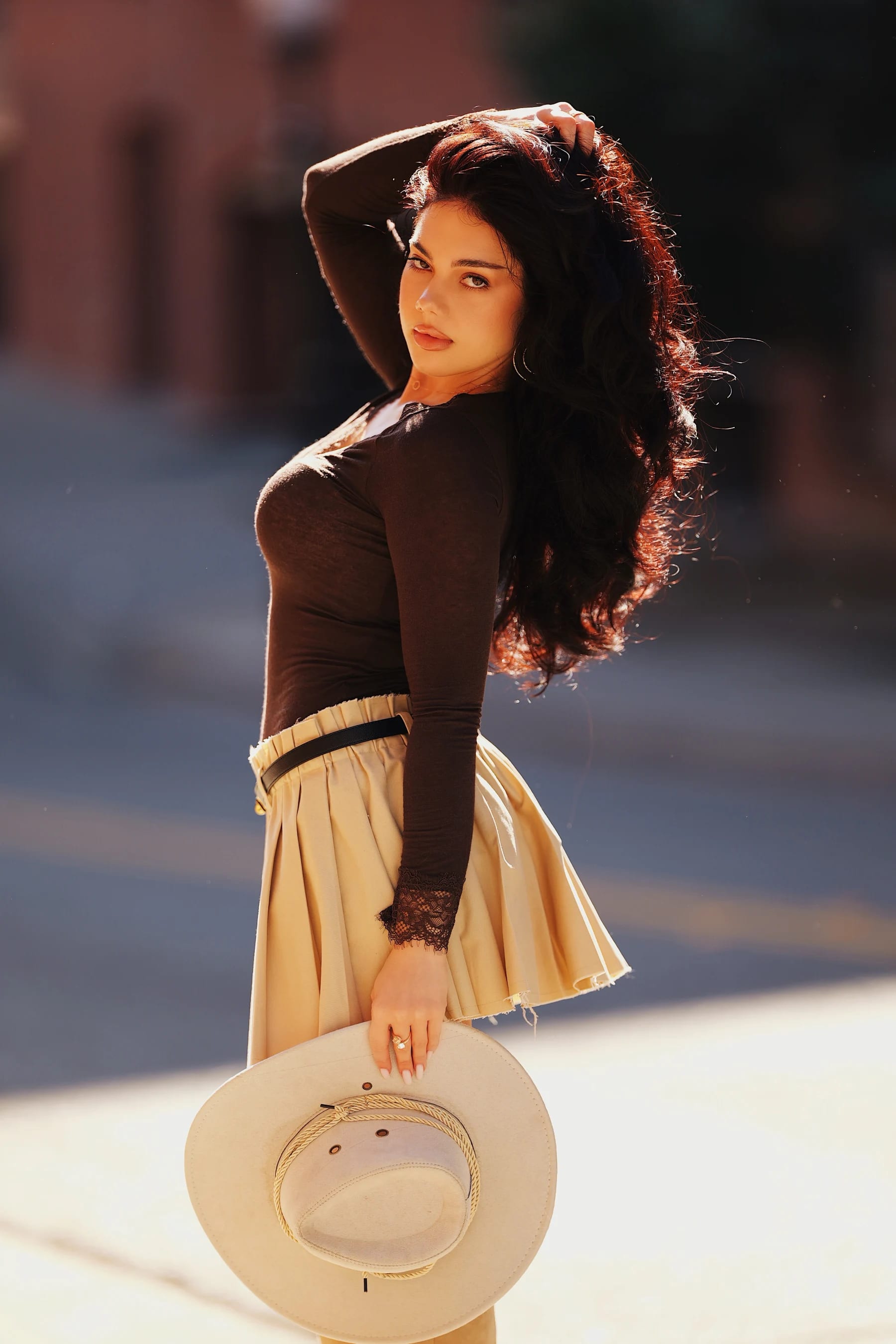
Nicoleta — Western Street Style
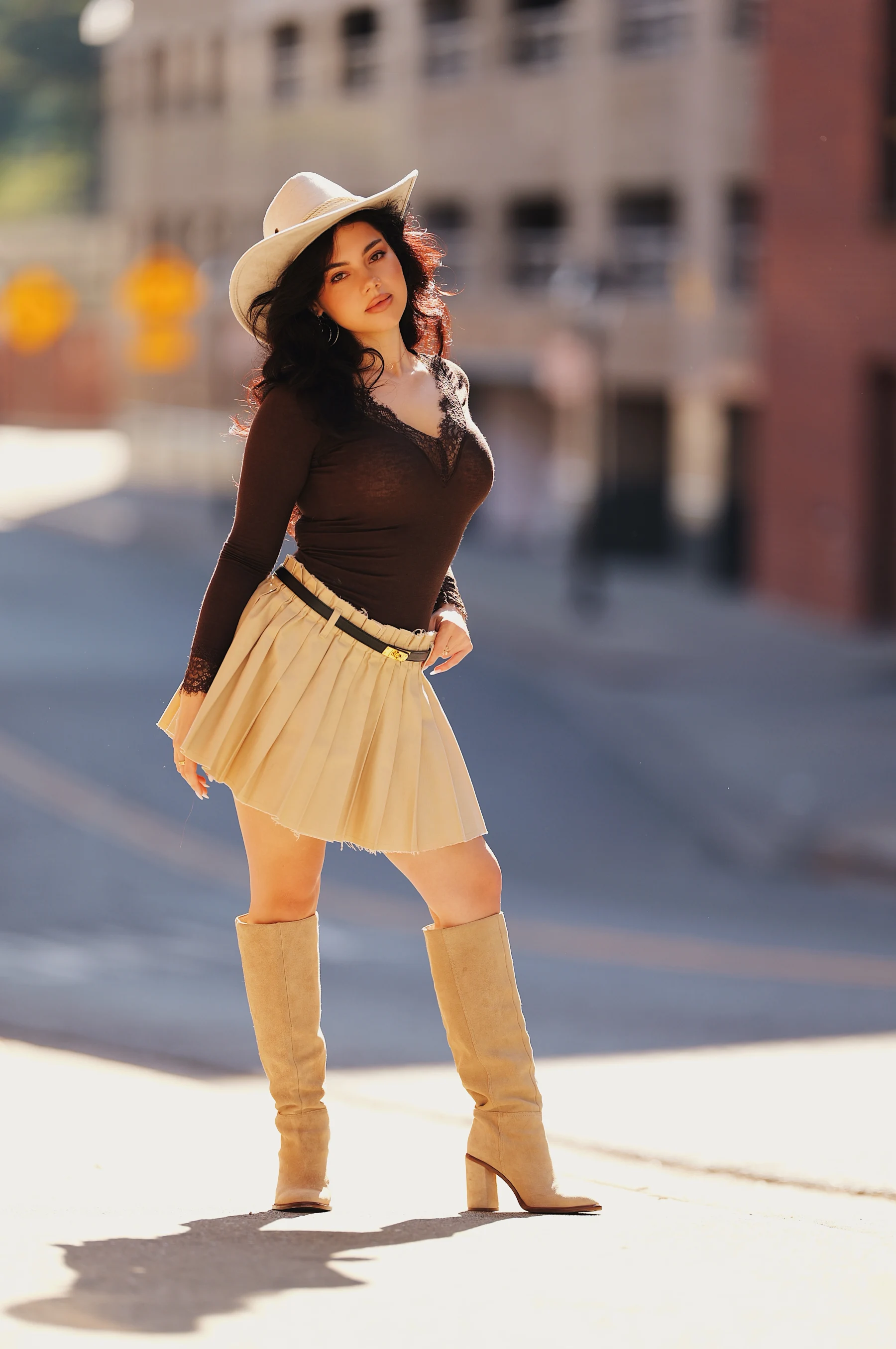
Sigma 135mm F1.4 DG Art · f/1.4 · 1/1300s · ISO 100 · Model: @lupu.nicolleta
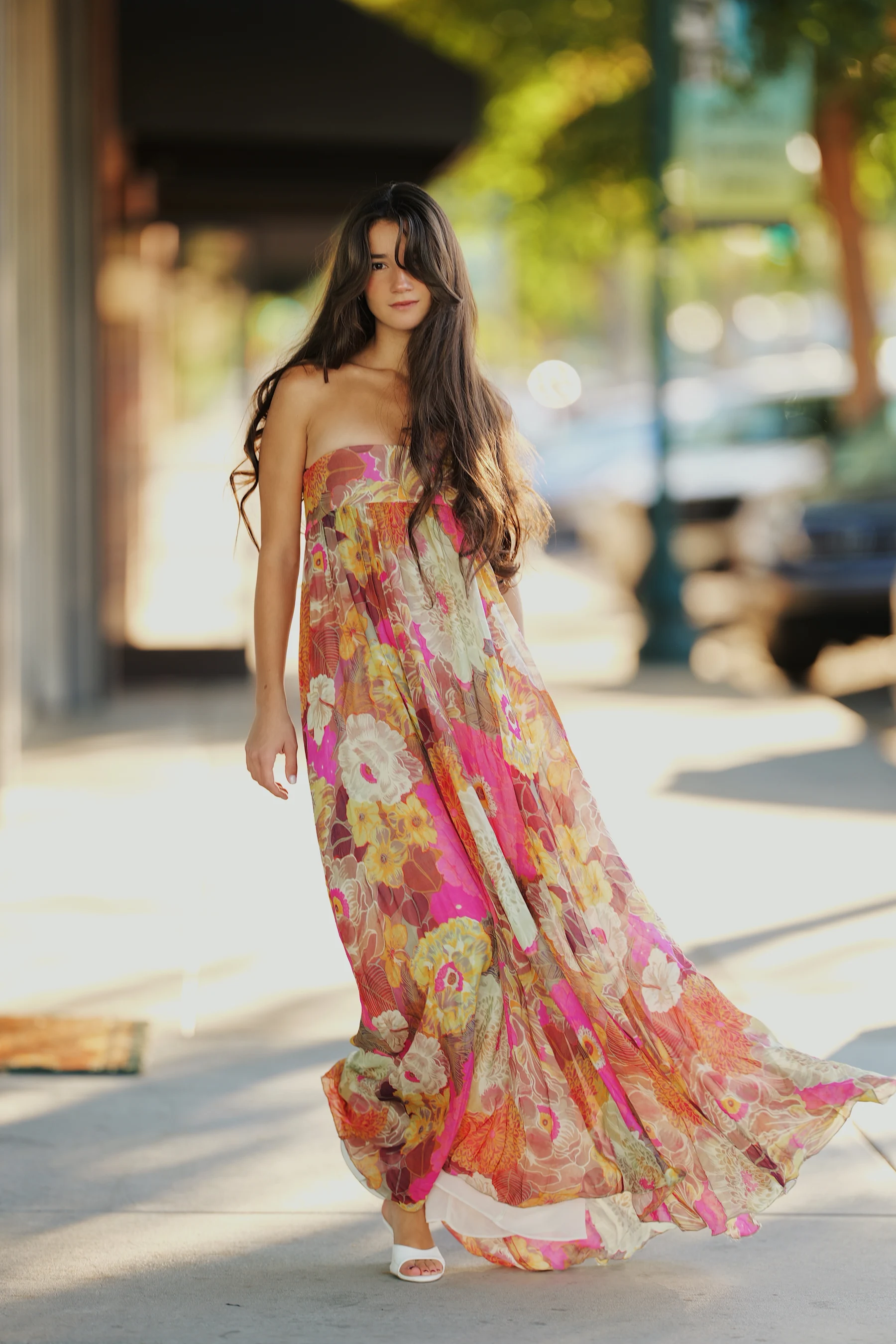
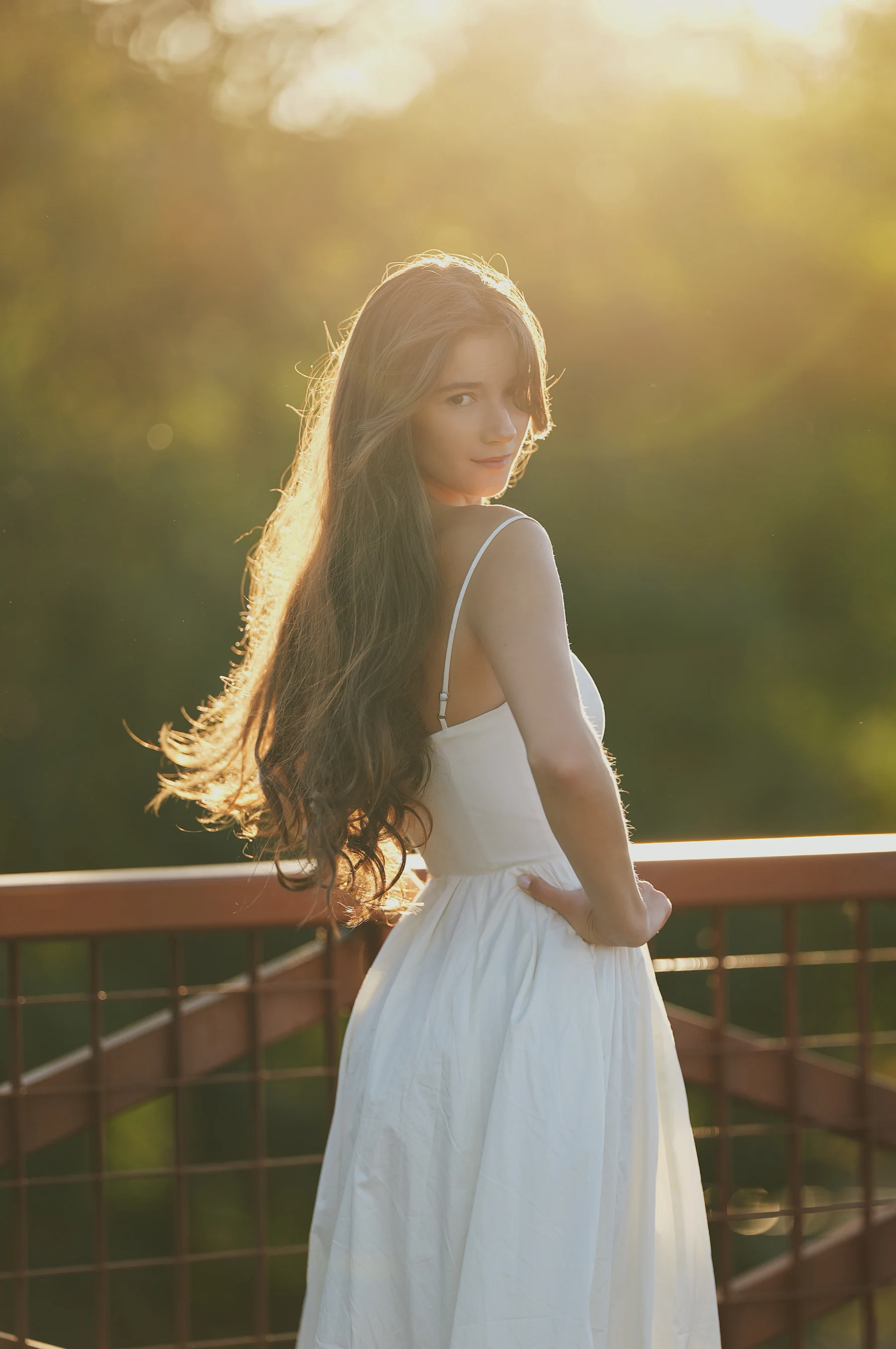
Rosina — Golden Hour, Two Looks
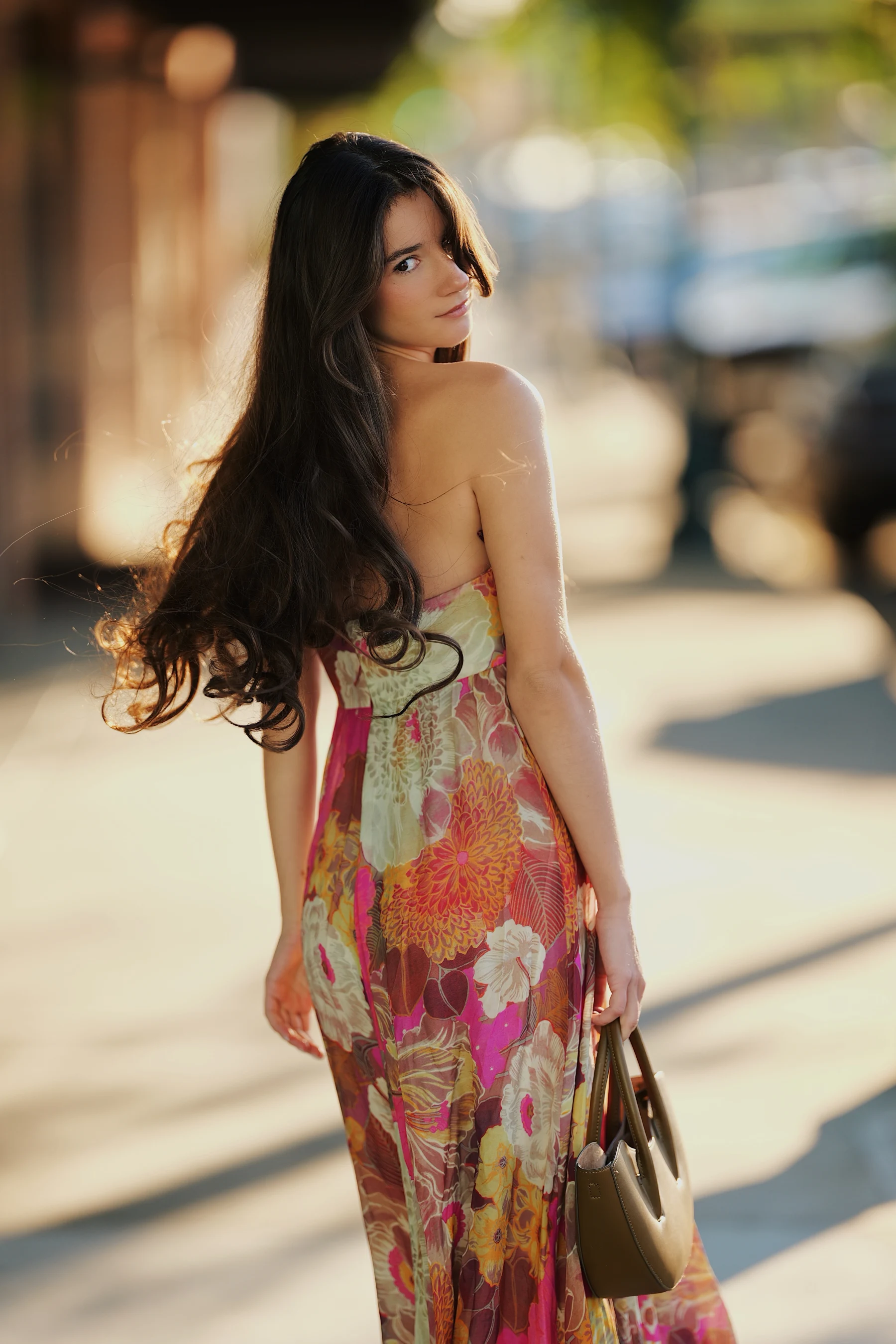
Sigma 135mm F1.4 DG Art · f/1.4 · 1/800s · ISO 125 · Model: @rosinashakirova
The second look moved to a bridge railing right as the light dropped into full golden hour — this is where the 135mm's subject separation really takes over.
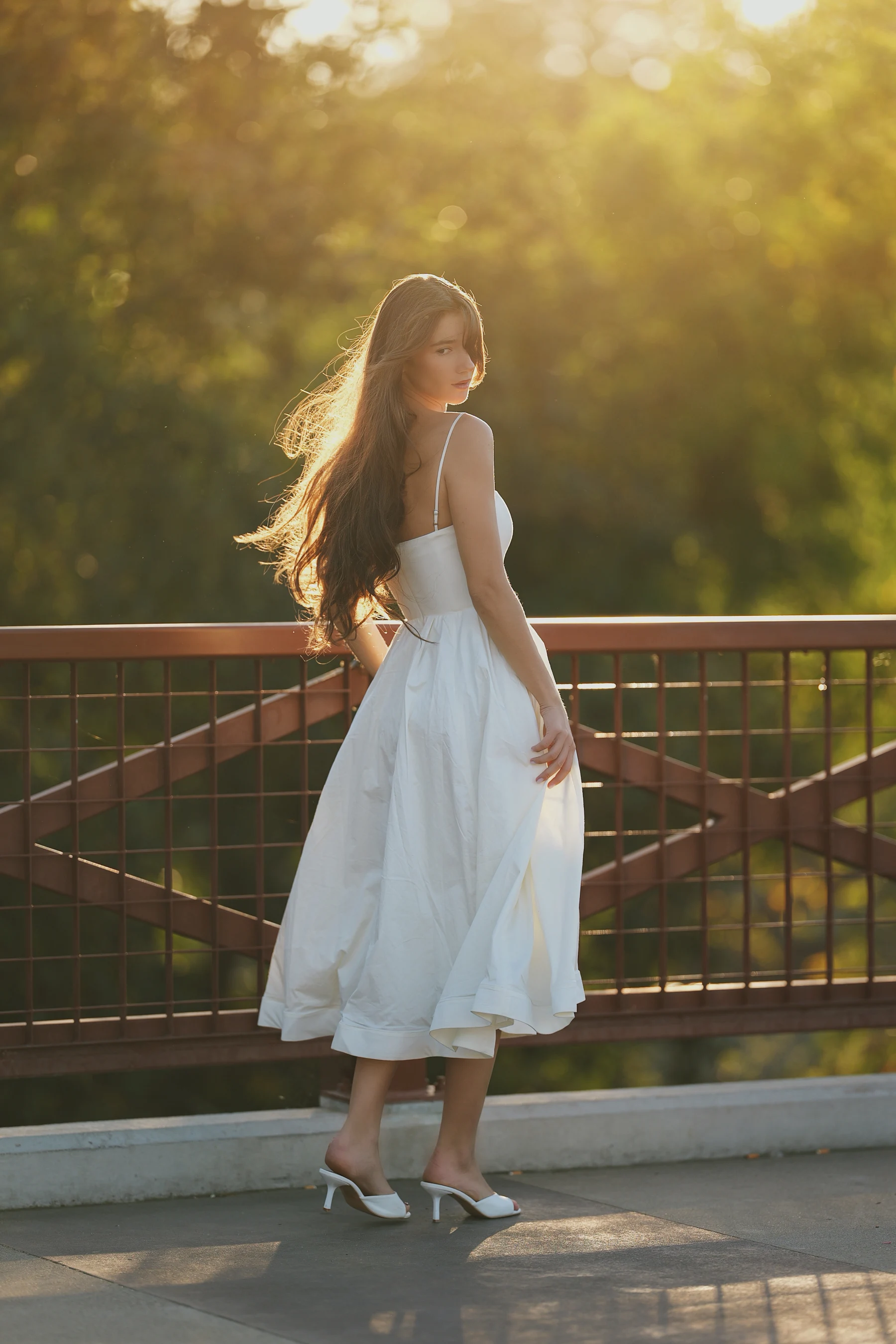
Sigma 135mm F1.4 DG Art · f/1.4 · 1/1600s · ISO 125 · Model: @rosinashakirova
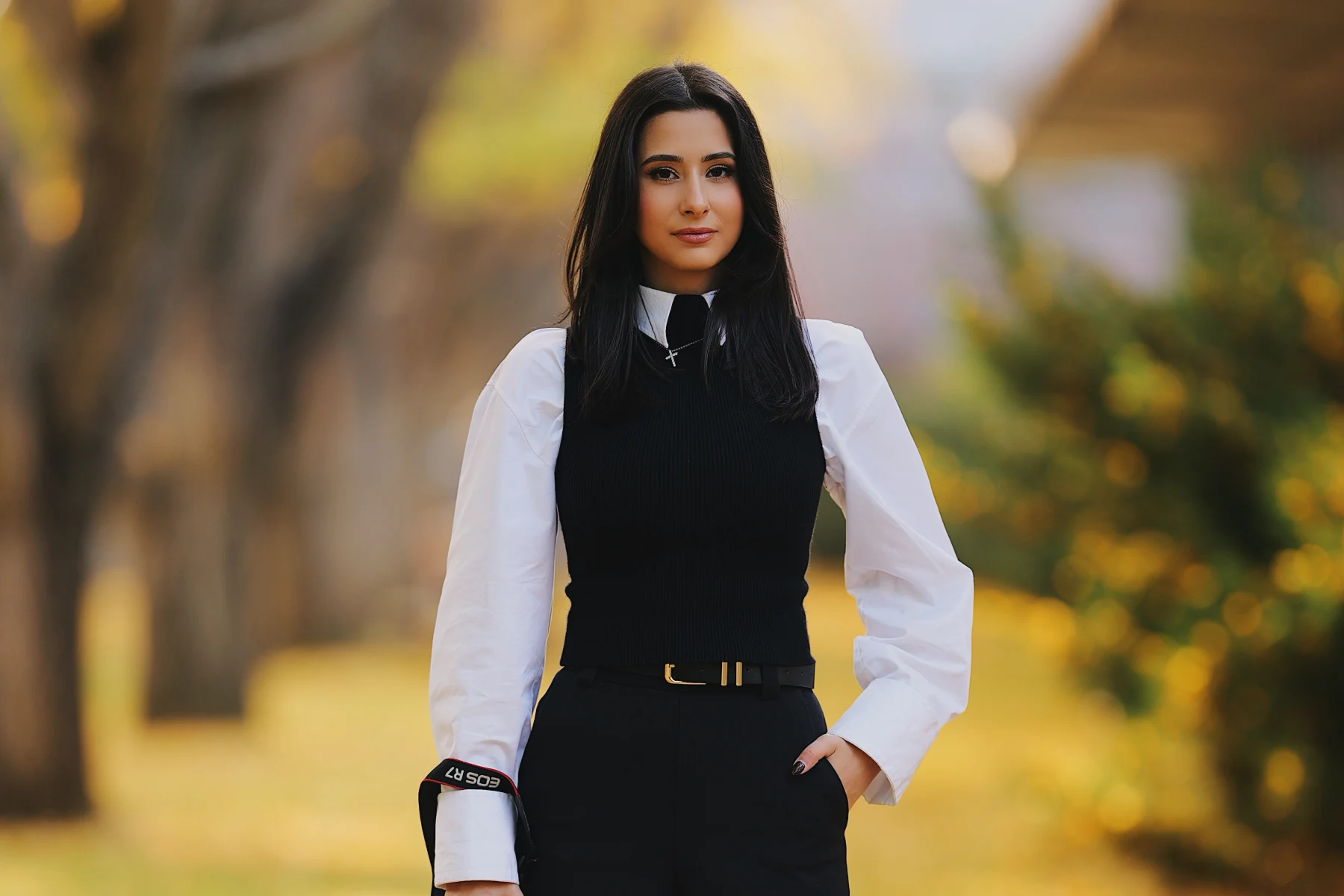
Suzy — Autumn Park, Vintage Camera
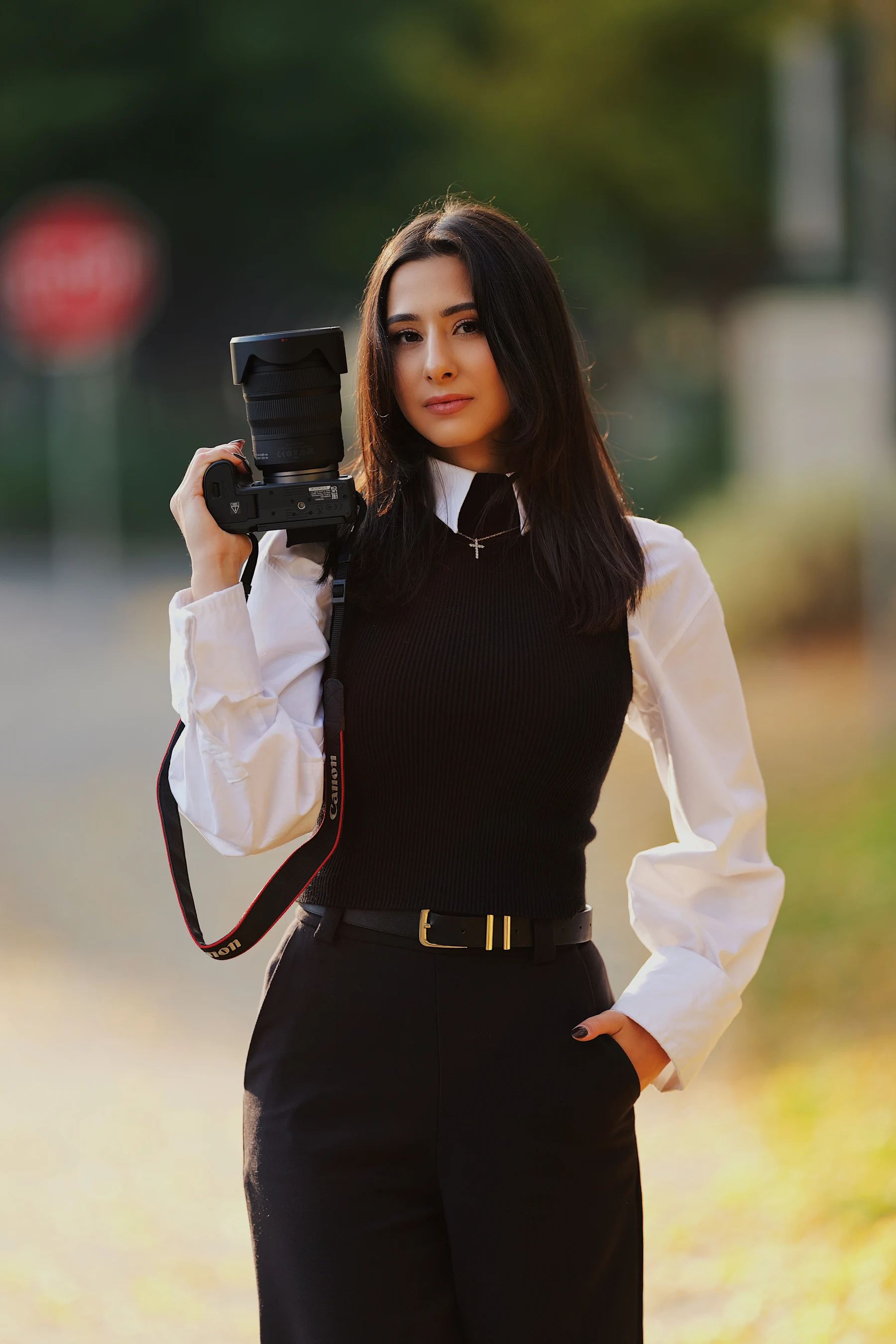
Sigma 135mm F1.4 DG Art · f/1.4 · 1/800s · ISO 125 · Model: @suzymedia
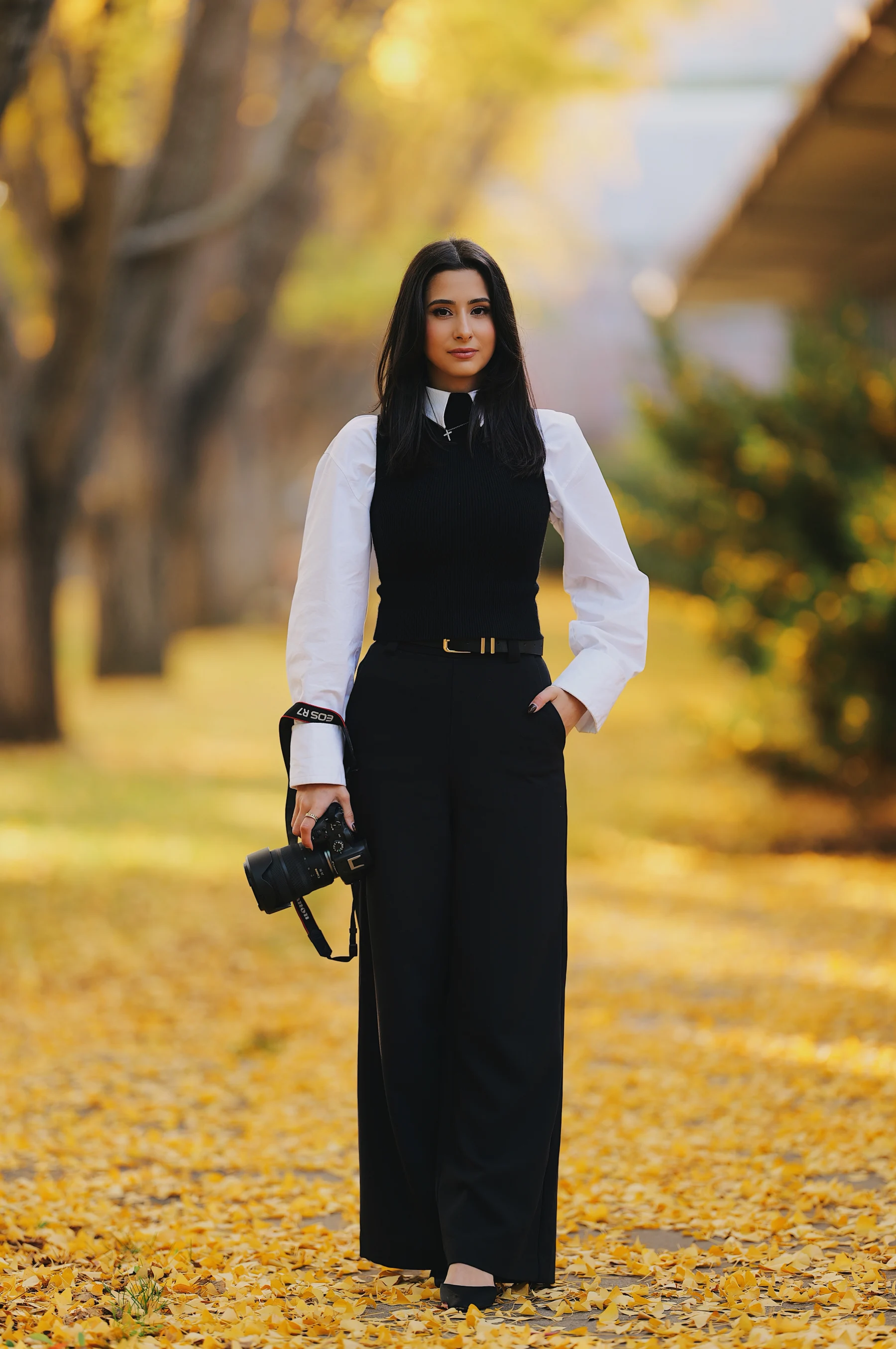
This is the settings sheet I ran across all three of these sessions — the AF subject detection held onto eyes reliably through every look and lighting change above, from harsh midday brick-street sun to full backlit golden hour. I'll update this post if anything changes after more sessions. Subscribe below or follow along on Instagram for more.
Shop the Gear
Support
Enjoyed this post?
Every review means renting or buying gear, booking models, and scouting locations. If this helped you make a gear decision, a coffee goes straight toward the next one.
Related Posts
Camera Settings
Fujifilm X-H2 Camera Settings for Portraits: Film Simulation Recipes & Autofocus Setup Guide
A full Fujifilm X-H2 settings breakdown for portrait photography — two film simulation recipes (Classic Chrome and Provia), white balance tuning, and the exact autofocus setup I use for face and eye tracking on location.
Camera Settings
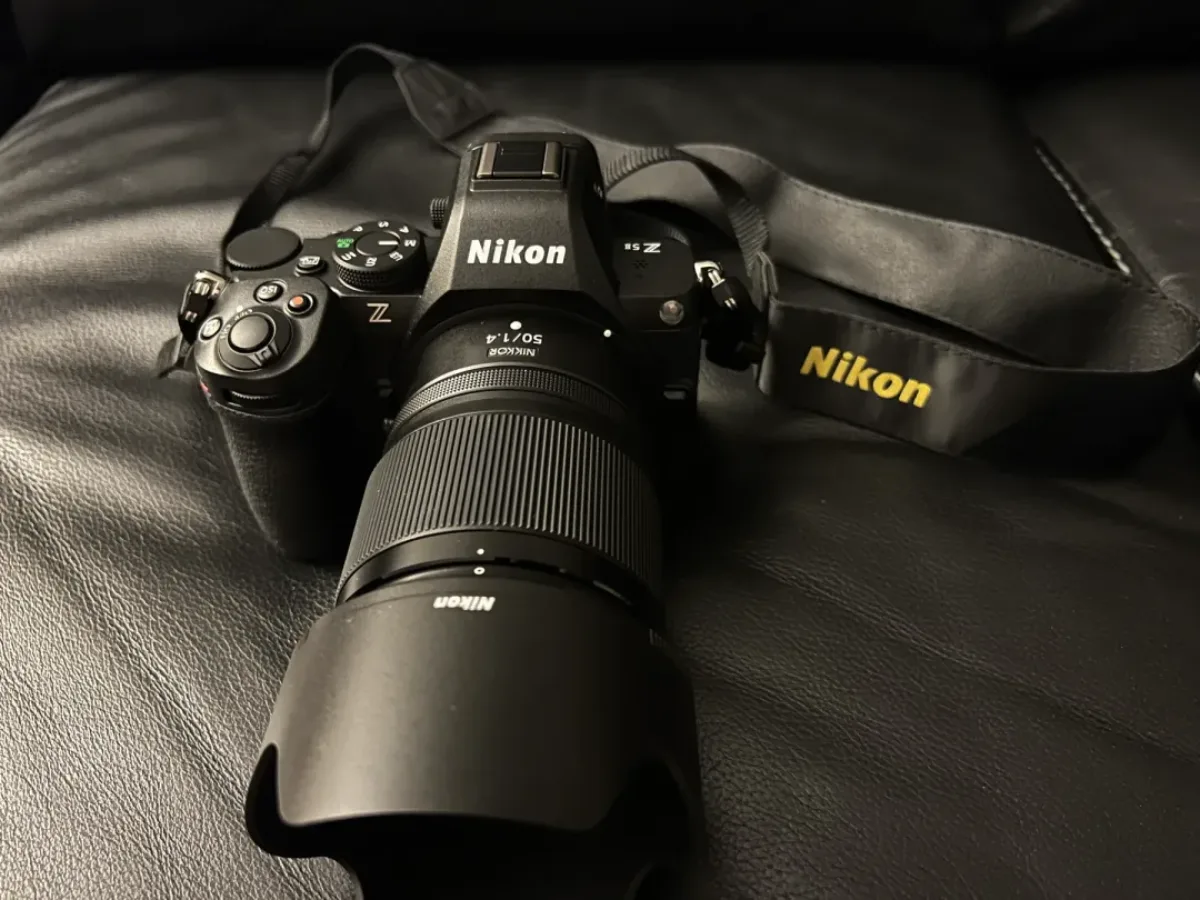
Nikon Z5II Camera Settings for Portraits: Best Auto Focus Setup Guide
Complete Nikon Z5II camera settings guide for portrait photography — exposure mode, JPEG quality, white balance, AF-C, 3D tracking, and focus priority settings explained.
Canon
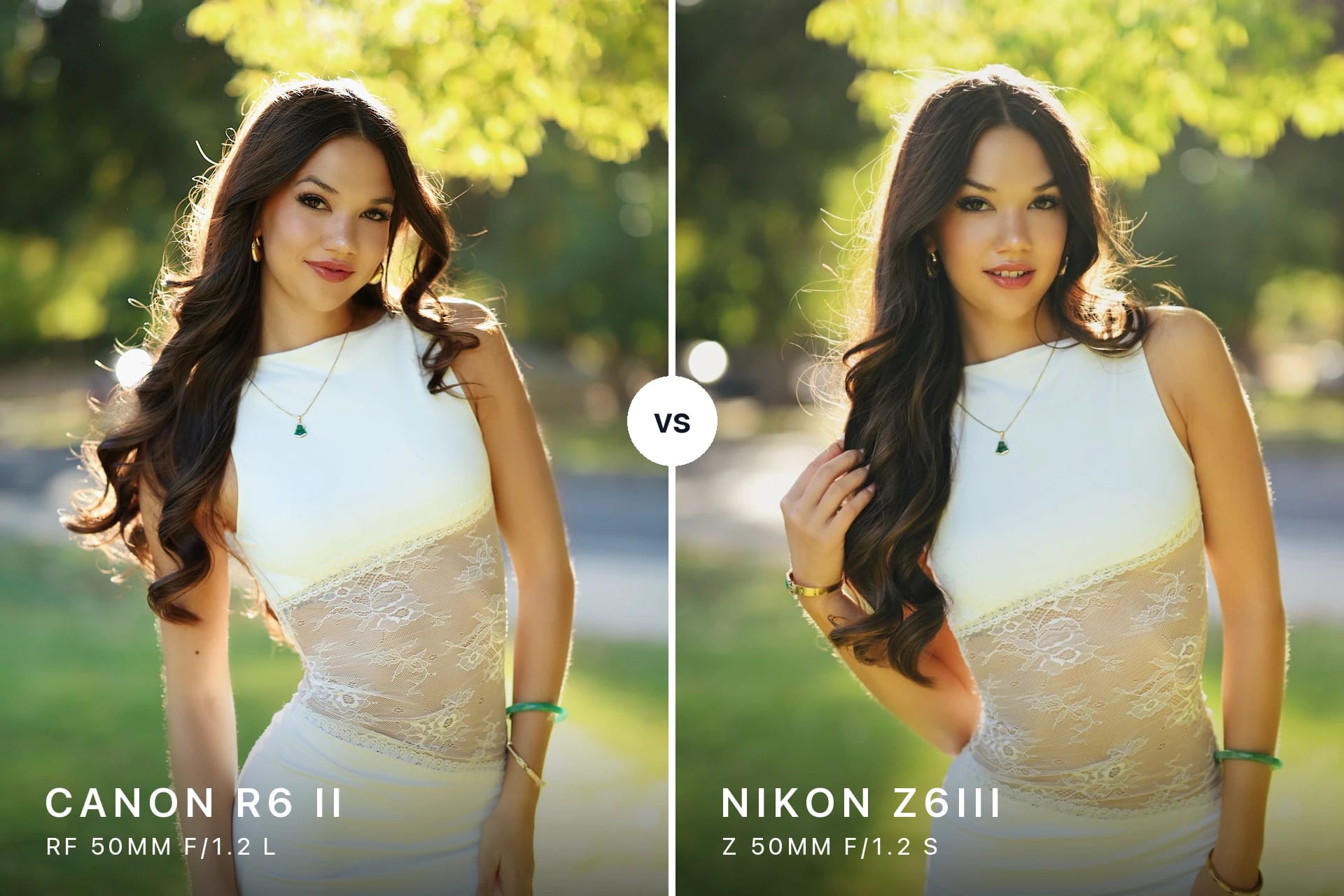
Canon RF 50mm f/1.2 L vs Nikon Z 50mm f/1.2 S (R6 II vs Z6III): Portrait Blind Test with Mia
Canon R6 II + RF 50mm f/1.2 L vs Nikon Z6III + Z 50mm f/1.2 S, side by side at f/1.2 and 5900K: a portrait blind test with Mia in William Land Park.
Newsletter
Stay in the loop
Explore
From the Gallery